
Community Invitation Email Template: Engage Local Voices

Start here: How to Create a Subreddit for Your Business: Find the Gap
TL;DR
- A community invitation email template solves a specific problem: getting the right people to show up, not just filling seats with random recipients.
- The strongest invitation emails answer one question for the reader in the first five seconds: what will I gain by attending, and what happens if I click the button.
- Good templates separate fixed structure (subject line, date, time, location, CTA) from flexible content (value proposition, tone, personalization) so organizers can reuse the format without starting from scratch.
- The method for choosing a template depends on the event type: a networking event email needs different proof points than a webinar or a local meetup invite.
- The practical next step is matching the template to the audience first, then filling in details second, rather than writing from a blank page.

A community invitation email has one job: get the right person to open it, understand why it matters, and take action. Most invitations fail not because the design is weak, but because the message doesn't answer "why should I care" fast enough. A clear template fixes that by forcing the organizer to include the details people actually look for before they decide to attend.
This matters more for community events than for typical marketing emails. People joining a community gathering, a local meetup, or a volunteer event want to know who else will be there and what they'll walk away with. A template built around those expectations works better than one built around flashy design.
The sections ahead break down what a strong community invitation email needs, how to structure it step by step, and how to adjust it depending on whether the event is in-person, virtual, recurring, or one-time.
A Ready-to-Use Invitation
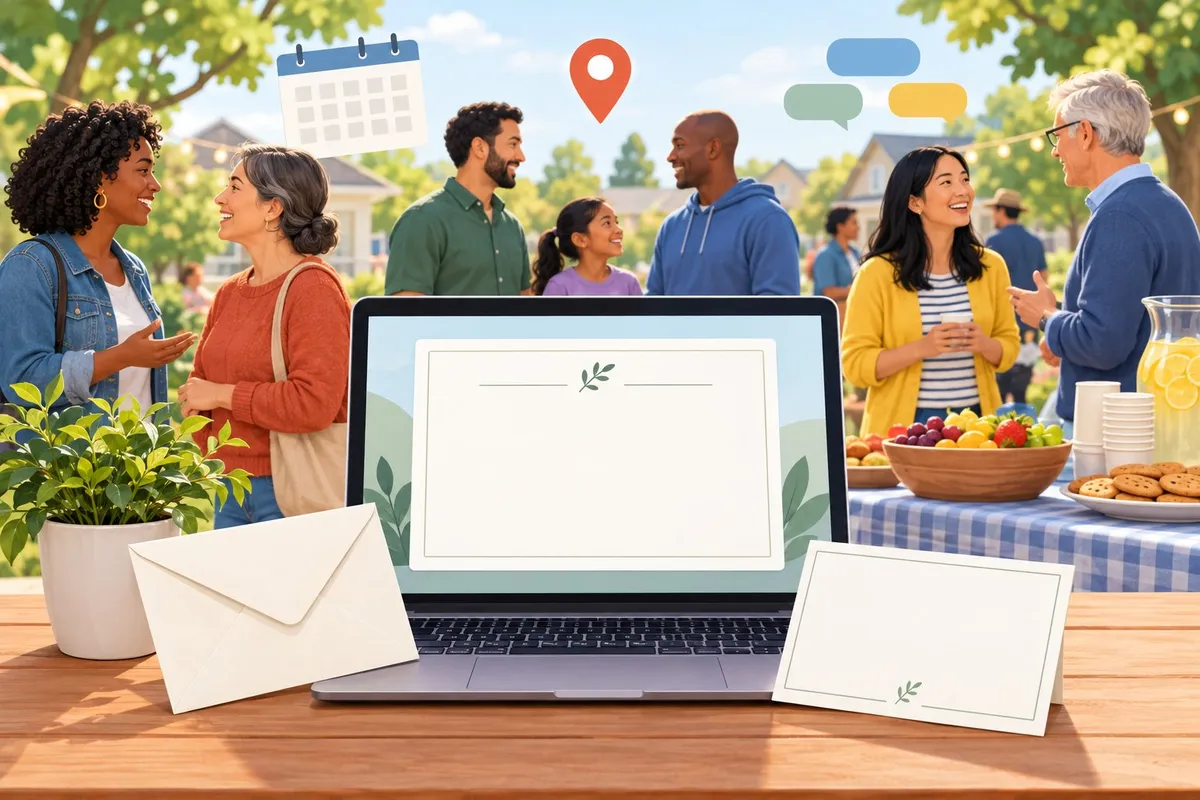
A community invitation email works best when it covers the basics clearly: a direct subject line, the event details, and a simple way to RSVP. The template below can be copied directly into an email, then filled in with specific information before it goes out.
Copy-and-Customize Email With a Subject Line and RSVP
Here is a template for a community event invitation email:
Subject line: You're Invited: [Event Name] on [Date]
Body:
Hi [Name],
We're inviting you to [Event Name], happening on [Date] at [Time]. It will take place at [Location].
This event is a chance to [brief reason for the event, such as "meet your neighbors" or "support a local cause"]. There will be [one or two activities or highlights].
Please let us know if you can come by [RSVP deadline]. You can RSVP by clicking the button below or replying to this email.
[RSVP Button]
We hope to see you there.
[Organizer Name]
This structure works for most event planning needs because it keeps the message short and puts the RSVP link in an easy spot to find. A clear subject line also helps the email get opened instead of ignored, which many event invitation email guides point out as one of the most common reasons invites fail.
Essential Details to Fill In Before Sending
Before sending the email, check that every detail is correct and filled in. Missing or wrong information is one of the main reasons people skip an event.
Fill in these details:
| Detail | What to Include | Why It Matters |
|---|---|---|
| Date and time | Exact day, start time, end time | Prevents confusion about when to show up |
| Location | Full address or venue name | Helps people plan travel |
| RSVP deadline | A specific date | Gives organizers time to plan for headcount |
| Contact info | Email or phone number | Lets guests ask questions |
| Event purpose | One or two sentences | Tells people why they should attend |
Double-check the RSVP link works before sending the email to the full list. A broken link means no responses, even if the rest of the message is clear.
Make the Invitation Relevant to Your Community
An invitation works best when it speaks to the people who will actually read it. The wording, the ask, and the follow-up should match the type of event and the specific concerns of the neighborhood or group being invited.
Adapt the Message for Meetings, Volunteer Events, and Gatherings
The tone and content of a community invitation should match the type of event.
| Event Type | Message Focus | Example Detail to Include |
|---|---|---|
| Public meeting | Decisions being made, who is affected | Agenda items, vote topics |
| Volunteer event | Task, time commitment, physical effort | Tools needed, dress code |
| Social gathering | Atmosphere, who else is attending | Food, music, family-friendly notes |
| Fundraiser | Purpose of funds, impact on community | Dollar goal, past results |
A meeting invite should state the topic up front. People decide fast whether a meeting applies to them.
A volunteer invite should list the actual work. Saying "trail cleanup from 9 a.m. to noon, bring gloves" works better than a vague call to "help out."
A casual gathering invite can use friendlier, looser language. This fits the social gathering format used for low-pressure events like a block party or happy hour.
Invite Input on Community Development, Health, or Safety
Some invitations are not just about attendance. They are about collecting opinions and information the community needs.
Observation: Residents keep asking the same questions about a local project, like a new bike lane or clinic hours. Decision: Treat the event as a two-way conversation, not a presentation. Action: Add a line in the invite asking people to bring specific feedback or concerns.
Invitations tied to community development, public safety, or community health should:
- Name the issue directly. Say "input needed on new crosswalk signals," not just "town meeting."
- State who should attend. Parents, business owners, or renters may each have different stakes.
- Explain how input will be used. People engage more when they know their comments go somewhere.
- Offer a way to submit input in advance. Some residents cannot attend but still want to weigh in.
This kind of invite works well for community outreach events built around resident concerns and local initiatives.
Make Attendance Accessible and Follow Up on Responses
An invitation should remove barriers, not just announce a date.
- List the location with transit or parking notes. State if the venue is wheelchair accessible.
- Mention language support. Note if materials or interpreters will be available in other languages.
- Give a childcare option if relevant. Some meetings run longer and families may need this info.
- Include a simple RSVP method. A short form or reply email works better than a long sign-up process.
- Send a reminder close to the event date. This matches the reminder template approach used after an initial invite goes out.
- Follow up after the event. Thank attendees and share next steps or results from the discussion.
After these steps, the organizer has an invitation that fits the event, respects real barriers to attending, and keeps the community informed after the event ends.
Frequently asked questions
How do I write an email inviting people to join a community?
Start with a clear subject line, then explain the community's purpose in the first sentence.
- State who the community is for and what it offers.
- Explain why the recipient was invited.
- List one or two benefits of joining, such as events or resources.
- Add a direct link or button to join.
- Include a deadline if one applies.
- End with a name and contact method.
A finished email tells the reader exactly what to do and gives them no reason to hesitate before clicking the join link.
What should a community invitation email include?
Every community invitation email needs a few core pieces of information to work. Leaving one out often causes confusion or low response rates.
| Element | Purpose | Example |
|---|---|---|
| Subject line | Gets the email opened | "Join our neighborhood group" |
| Greeting | Personalizes the message | "Hi Maria," |
| Purpose statement | Explains why the group exists | "We connect local volunteers" |
| Call to action | Tells the reader what to do | "Click here to join" |
| Date or deadline | Creates urgency if needed | "Sign up by Friday" |
| Contact info | Allows follow-up questions | Name and email address |
This structure matches the general format used in most invitation email templates, which rely on a short intro, key details, and a clear way to respond.
Can I get a free, editable community invitation email template?
Yes. Several sites offer free templates built for community groups, events, and outreach.
- Mailmodo provides a community event invitation email template made for organizers sending invites to individual members.
- Maileditor offers community engagement email templates for volunteer invites, surveys, and newsletters.
- Trustur has a community organization invitation letter template for inviting partners and sponsors.
- Letterin.net includes a letter template for community engagement invitations aimed at building neighborhood connections.
Most of these templates let the sender swap in their own group name, date, and link without starting from scratch.
What is a good subject line for a community invitation email?
A good subject line is short and tells the reader exactly what the email is about. It should not try to trick someone into opening it.
- "You're invited: join our local community group"
- "Become part of [Group Name] today"
- "A spot is open in our community"
- "Join us this month"
- "Your invitation to [Group Name] is here"
Subject lines that spell out the action, like joining or attending, tend to perform better than vague or clever phrasing, according to general guidance on how to write an invitation email.
How do I write a short invitation to a community event?
A short invitation sticks to four parts: the event, the date, the location, and the action.
Weak version:
"We wanted to let everyone know that there's going to be some kind of gathering soon, and we think it might be fun if people wanted to stop by."
Strong version:
"Join us for the Fall Community Picnic on Saturday, October 18, at 2 PM in Riverside Park. RSVP by October 15."
The strong version names the event, gives a specific date and place, and asks for a clear response. Short invitations work best for recurring events or casual meetups where readers already know the group.
How can I make a community invitation email sound formal?
Formal community invitations use full sentences, avoid casual phrases, and keep a polite, direct tone.
| Casual version | Formal version |
|---|---|
| "Hey! Come join us!" | "You are invited to join our community." |
| "It'll be awesome, promise!" | "We believe this event will be valuable to you." |
| "Let us know if you're coming!" | "Please confirm your attendance by [date]." |
Formal invitations also tend to include a proper greeting, a closing line such as "Sincerely" or "Best regards," and the sender's full name and title. This approach fits organizations, professional groups, or any invitation sent on behalf of a business rather than an individual.