
Customer Community vs Support Community: Finding the Gap

Start here: How to Get Customers from Reddit: Find Community Gaps
TL;DR
- A customer community is built and owned by a brand to support buyers, share product updates, and gather feedback in one branded space.
- A support community focuses mainly on solving problems, while a customer community covers a wider range of topics like product use, discovery, and member discussion.
- The right choice depends on the goal: faster ticket resolution favors a support model, while long-term buyer relationships favor a broader customer community.
- Strong communities often start narrow and expand once a core group of passionate customers is active and answering questions on their own.
- The next step is to match the community type to what the business needs most right now, not to the fanciest option available.
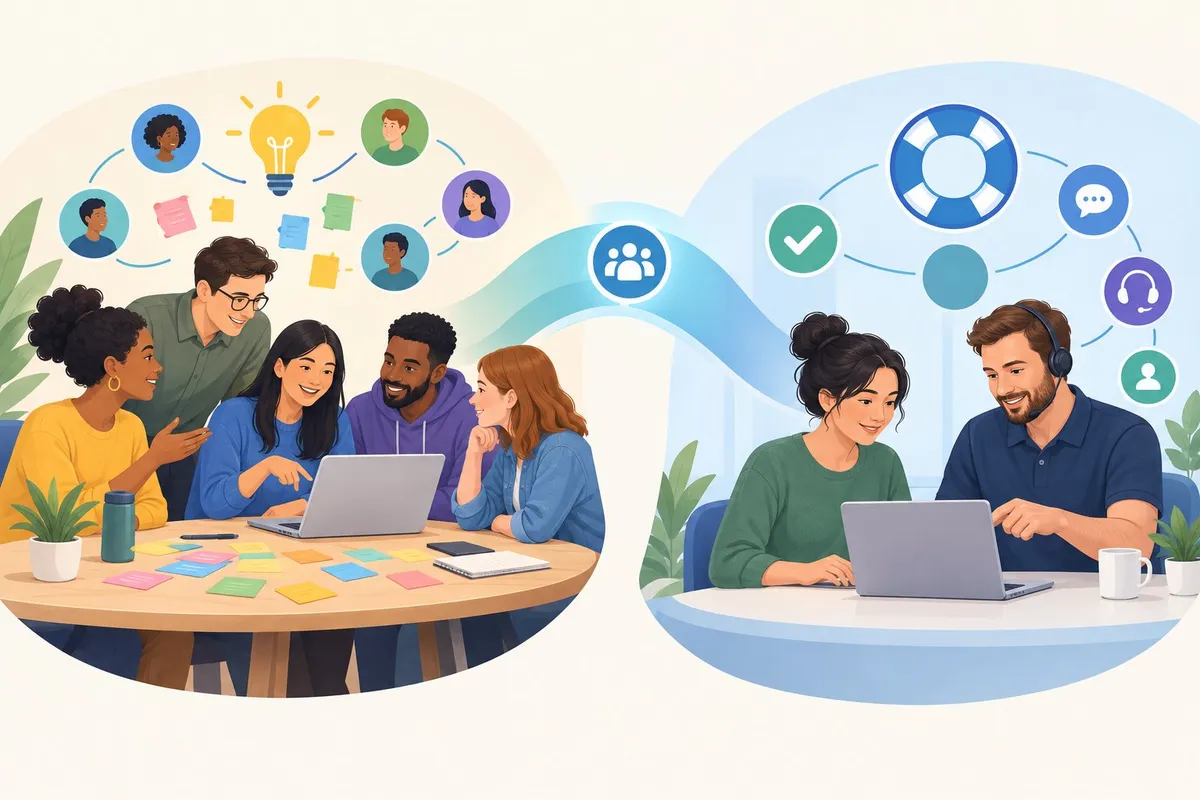
Businesses often mix up customer community and support community, but they solve different problems. A support community is built to answer questions and fix issues, while a customer community is built to hold ongoing conversations between a brand and the people who use its product. Some companies need one, some need both, and the right fit depends on what the business is trying to get out of it.
The difference shows up fastest in how members behave. In a support-focused space, most threads are complaint, question, or troubleshooting posts. In a broader customer community, members also post comparisons, project updates, and discoveries tied to the product, which is the kind of activity passionate customers naturally create when they have a reason to stick around.
This matters because the wrong setup wastes effort. A business that only needs faster issue resolution does not need a sprawling community with loose rules, and a business trying to build long-term loyalty will outgrow a narrow support board fast. The sections ahead break down how each model works, what signals show which one fits, and how a community can shift from pure support into a space members help lead themselves.
How the Two Community Models Differ
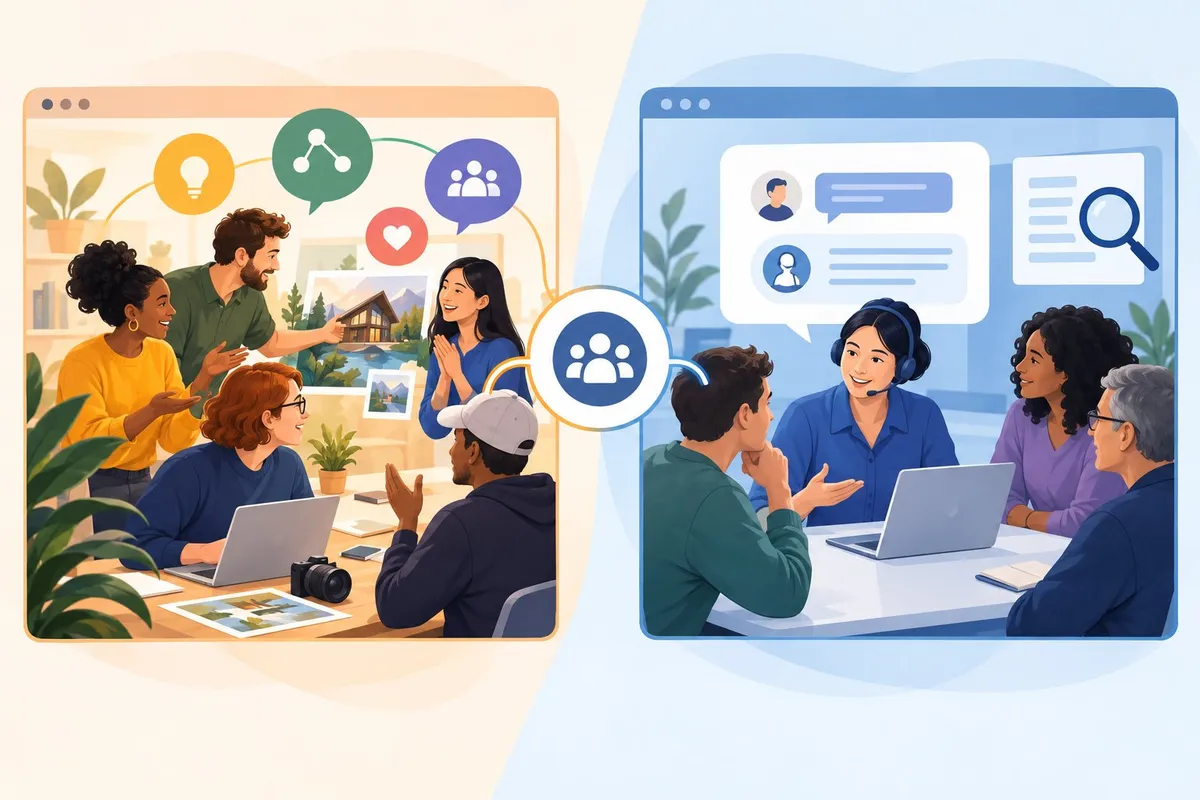
A customer community and a support community share many tools, but they differ in who they invite, how answers move through the group, and where the group sits inside the customer journey.
Purpose and Membership: A Broad Community or a Place to Get Help
A customer community exists to build relationships over time. A support community exists to solve problems fast and reduce repeat customer queries.
| Feature | Customer Community | Support Community |
|---|---|---|
| Main goal | Build loyalty and brand connection | Resolve issues quickly |
| Membership | Open to anyone interested in the brand | Mostly people with a current problem |
| Content mix | Product talk, feedback, events, tips | Troubleshooting, fixes, known issues |
| Typical visit length | Returning members, long-term habit | One-time visit to solve one problem |
A product-focused community tends to have less patience for off-topic chatter. Members want to talk about the product itself, not general small talk.
A support-focused group allows more variety. It lets members bring up related topics, as long as the conversation still helps someone get an answer.
How Answers Flow Through Peers, Support Teams, and Escalation
In a support community, most answers should come from peers before they come from staff.
- A member posts a question in the community forum.
- Other members with firsthand experience reply first.
- If no one answers within a set time, a support team member steps in.
- Complex or account-specific issues get escalated to private customer support channels.
- The resolved thread stays public so future members can find it through search.
This flow reduces the load on customer service teams. It also builds a stronger knowledge base made from real member questions, not just staff-written articles.
Weak reply: "Please contact support." Strong reply: "This happens when the sync setting is off. Go to Settings > Sync and toggle it on. Here's the thread where three other members fixed the same issue."
The strong reply keeps the member in the community and shows peer-to-peer support working as intended.
Where Forums, Help Centers, and Social Media Fit
Each channel plays a different role, and mixing them up wastes member time.
| Channel | Best use | Weak use |
|---|---|---|
| Community forums | Open discussion, peer troubleshooting, feedback | Urgent account-specific issues |
| Help center / knowledge base | Step-by-step guides, FAQs, documentation | Back-and-forth conversation |
| Social media | Quick updates, public complaints, brand visibility | Deep technical troubleshooting |
A member who posts a technical issue on social media should get redirected to the community forum or help center, not handled entirely in public comments. Social media works best as a signal channel: it shows where customers are frustrated, not where the fix should happen.
Which Model Serves Each Stage of the Customer Journey
Each stage of the customer journey calls for a different kind of support.
Want the 3-part comment that gets your brand found on Reddit and Google? Get the free Reddit SEO Blueprint
| Stage | Best Model | Why |
|---|---|---|
| Awareness | Customer community | New users browse discussions before buying |
| Onboarding | Support community | New users need quick, specific answers |
| Active use | Both | Peers answer routine questions; staff handle edge cases |
| Loyalty / advocacy | Customer community | Long-term members start answering others and sharing ideas |
Observation: A small group of members keeps answering questions faster than staff. Decision: Give them recognition, not just thanks. Action: Create a badge, title, or early-access perk for top contributors.
This shift marks a known pattern in community growth: members start carrying more of the conversation themselves, while staff still moderate and step in for hard cases. The result is a stronger customer experience at every stage, not just during onboarding.
Build a Community That Fills a Real Gap
A strong community starts with a clear purpose: it answers questions nobody else is answering well, and it gives passionate customers a name and a place they want to claim as their own. From there, research-backed content and clear roles turn casual visitors into long-term members who drive customer retention and customer lifetime value.
Find Questions Existing Communities Leave Unanswered
Every product category already has people talking about it somewhere. The work is finding where the conversation is weak.
Signals to look for:
| Signal | What it means | What to do |
|---|---|---|
| Same question asked repeatedly | No single resource answers it well | Build a pinned post or wiki entry that settles it |
| Long threads with no accepted answer | Demand exists, but quality is missing | Create a space built around that exact topic |
| Outdated pinned resources | The community has outgrown its own rules | Note the gap, don't just criticize it |
| One person answering most questions | A potential moderator or leader is hiding in plain sight | Reach out, invite them into a formal role |
This kind of gap-hunting works across B2B SaaS communities and consumer-facing b2c communities alike. A buyer-advice subreddit, a professional trade subreddit, or a hobby subreddit can all show the same pattern: lots of interest, thin answers.
Checking Reddit, forums, and even search engine results for a topic shows where current resources fall short. If a search engine keeps surfacing the same five-year-old thread, that's a gap worth filling.
Name and Position the Space for Passionate Customers
The name of a community tells people instantly whether it's for them. A vague name gets scrolled past; a specific one gets recognized.
Weak vs strong naming:
| Weak | Strong |
|---|---|
| "Product Help" | "Zapier Automation Builders" |
| "Customer Chat" | "Field Techs Who Use [Product]" |
| "General Discussion" | "Workflow Nerds: Compare Your Setup" |
A strong name signals three things at once: who it's for, what happens there, and why it's worth joining. This is the first step of what Shared Corners calls owning your corner, claiming a specific space instead of renting attention inside someone else's thread.
The name should match the tone of the people it's meant to attract. A trade community full of professionals needs a different voice than a hobbyist space built around enthusiasm and comparison.
Use Researched Content to Start Substantive Discussions
Passionate customers want depth, not filler. Research-backed posts give them something to react to, correct, or build on.
Content types that start real discussion:
- Comparison posts, side-by-side breakdowns of tools, methods, or approaches
- Project logs, a documented build or process others can follow and comment on
- Discovery threads, a new finding, trick, or workaround worth testing
- Walkthroughs, step-by-step guides that invite corrections and additions
- Deal or release threads, timely posts tied to something actually happening
Each of these works because it gives members something specific to respond to. A vague "What do you think?" post rarely performs as well as a detailed comparison with real data behind it.
Well-researched posts also tend to hold up better over time, since members return to correct or expand them, which naturally produces user-generated content that keeps the space current and useful.
Set Roles for Moderation, Support, and Member Leadership
Clear roles keep a community organized as it grows past its founding group.
Observation → decision → action:
-
Observation: One member answers most technical questions correctly and politely. Decision: This person is ready for more responsibility. Action: Invite them to become a moderator or recognized contributor.
-
Observation: Staff posts are starting to outnumber member posts. Decision: The community risks feeling like a marketing channel. Action: Scale back staff posting and let member questions lead.
-
Observation: Disagreements are getting personal instead of staying on-topic. Decision: The rules need clearer enforcement, not more rules. Action: Set clear, visible moderation standards and apply them consistently.
Business ties should always be disclosed clearly, whether that's a staff account, a sponsored post, or a founder answering questions directly. Transparency builds trust faster than silence does.
This is the Shift to Member-Led Growth in practice: moderation stays in place, but members increasingly shape the direction of discussion.
Measure Support Quality and Lasting Business Value
A community's health shows up in both support metrics and longer-term business signals.
What to track:
| Metric | What it shows |
|---|---|
| Response time | How quickly questions get answered |
| Resolution rate | Whether answers actually solve the problem |
| Customer satisfaction | Whether members feel helped, not dismissed |
| Customer advocacy | Members recommending the product unprompted |
| Brand loyalty and brand awareness | Long-term recognition beyond a single interaction |
Strong response time and resolution rate numbers tend to track closely with customer satisfaction, since members notice how fast and how well their issues get handled.
Over time, consistent, well-moderated communities also produce customer insights that product and support teams can't get anywhere else, direct, unfiltered feedback from the people who use the product most. That feedback loop, more than any single post, is what turns a community into a long-term asset instead of a short-term experiment.
Frequently asked questions
How does a customer community differ from a community focused on support?
A customer community centers on connection between customers, while a support community centers on solving problems.
| Feature | Customer Community | Support Community |
|---|---|---|
| Main goal | Build relationships and share product knowledge | Resolve issues and answer questions |
| Typical content | Discussions, tips, product feedback | Troubleshooting threads, FAQs, how-to guides |
| Member role | Peer-to-peer sharing | Peer-to-peer problem solving |
| Success measure | Engagement and loyalty | Ticket deflection and resolution speed |
Many organizations blend both goals into one space. A customer community is a branded space where customers ask questions, share workflows, and give feedback directly to each other.
Support-focused communities exist to catch the questions that fall between a help center article and a private support ticket. These are often too specific for documentation but don't require account-level access, so a support community is built to win the 'in between' questions.
Which Salesforce features are needed to build a self-service support community?
A self-service support community needs a few core building blocks to work well.
- Knowledge base integration so members can search articles before posting.
- Case deflection tools that suggest existing answers when someone starts typing a question.
- Moderation controls to manage spam and keep answers accurate.
- Reputation or badge systems to recognize members who answer well.
- Escalation paths so unresolved threads can convert into support tickets when needed.
These features work together to reduce the load on support staff. A community-powered customer support hub uses the community as a central support channel, not just an add-on to existing support options.
How do licensing costs compare for customer and support communities in Salesforce?
Licensing costs depend on the access level members need, not just the number of users.
| License Type | Typical Use | Cost Pattern |
|---|---|---|
| Customer Community | Basic self-service, light record access | Lower per-user cost |
| Customer Community Plus | Full record access, reporting | Higher per-user cost |
| Login-based licenses | Occasional or limited use | Priced by login volume |
| Member-based licenses | Frequent, full-access users | Priced per named user |
Teams building a large self-service base often choose login-based licensing to control costs as membership grows. Teams needing deeper account access per user typically pay more per seat but gain fuller functionality.
What is the difference between Customer Community and Customer Community Plus licenses?
Customer Community Plus licenses give members more access and more tools than standard Customer Community licenses.
| Capability | Customer Community | Customer Community Plus |
|---|---|---|
| Record access | Limited | Expanded |
| Reports and dashboards | Not included | Included |
| Case management | Basic | Full |
| Delegated administration | No | Yes |
Standard Customer Community licenses suit members who mainly read content, ask questions, or submit simple requests. Customer Community Plus licenses suit power users, partners, or members who need to manage cases, view reports, or take on administrative tasks within the community.
What limitations apply to Salesforce Customer Community Login licenses?
Customer Community Login licenses are priced and restricted by login count rather than by named user.
- Login caps limit how many times a user can log in within a set period before extra charges apply.
- Feature restrictions reduce access to certain objects and automation tools compared to full licenses.
- Storage limits are often lower than other license types.
- Customization limits restrict some page layout and app options.
- Reporting restrictions may block access to full dashboard features.
These limitations make login-based licenses a cost-effective choice for communities with many occasional users, such as customers who log in once to check an order status. Organizations expecting frequent or complex member activity usually find these limits too restrictive for daily use.
What are Salesforce customer and support communities called now?
Salesforce now markets these tools under the Experience Cloud name rather than Community Cloud.
The platform still includes the same core building blocks for customer and support communities. Organizations configure Experience Cloud sites to serve as customer communities, support communities, or a combination of both, depending on which license types and features they enable.