Online Community Event Ideas for Member-Led Communities

Start here: How to Create a Subreddit for Your Business: Find the Gap
TL;DR
- Online communities grow when members get a reason to talk to someone they would not have met otherwise, and that reason has to be built into the event's format, not left to chance.
- A text-only video call rarely drives real community engagement because most people stay muted; formats that let people cluster and move between small groups produce more actual conversation.
- Matching the event type to the group's size, age range, and purpose is the main decision organizers need to make before picking a platform or date.
- Recurring, low-cost formats such as book clubs or skill swaps build stronger long-term community engagement than one-off events, because the same people return and get to know each other over time.
- The practical next step is to pick one simple format, set a date, and run it before adding more activities or features.
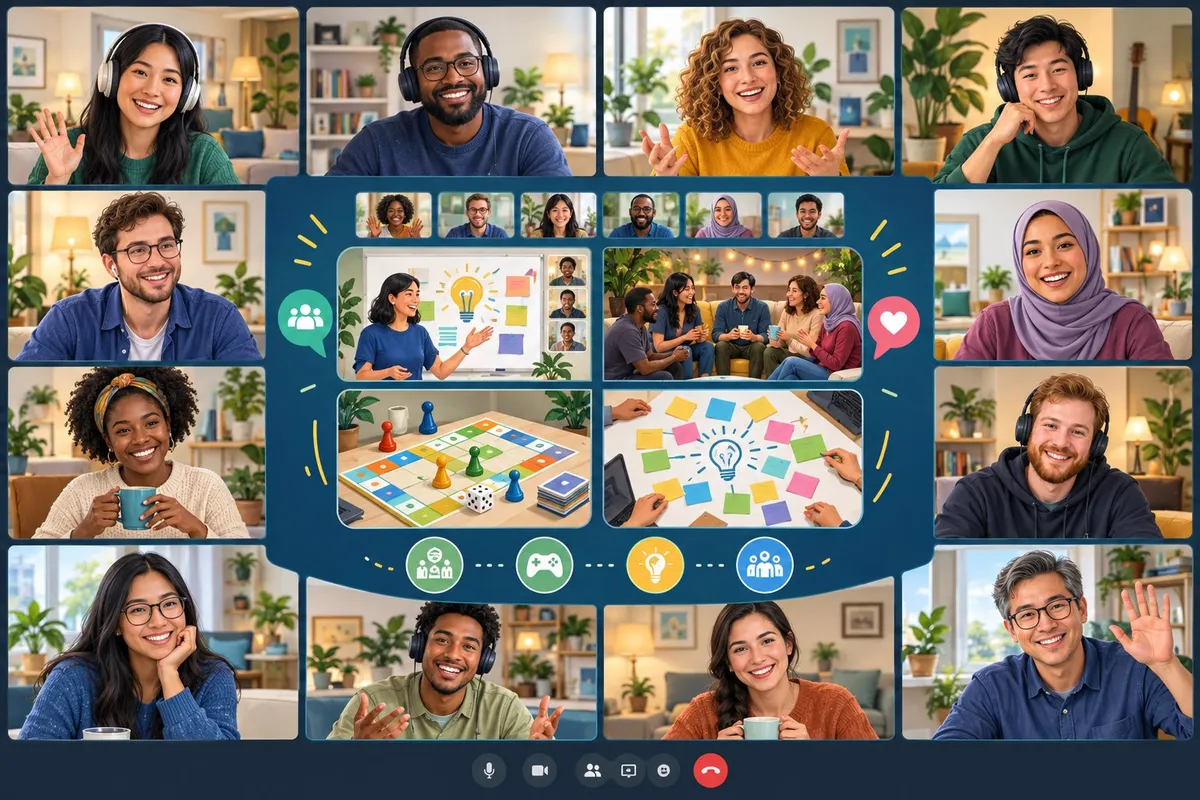
Online community events work when they give people a specific reason to talk to someone new. The format matters more than the budget: a themed hangout, a game night, or a simple watch party can build real connection if it lets people break into smaller conversations instead of sitting in one big silent group.
Picking the right event comes down to a few clear decisions: who the community is, how big the group is, and whether the goal is a single fun night or a lasting habit. Some formats, like online game nights or virtual mixers, work well for one-time gatherings, while others, like recurring book clubs, are better suited for building engagement over months. This guide breaks down both types, along with ways to tell which one fits a given community.
The rest of this article covers specific online and hybrid event ideas, how to adjust them for different age groups, and how to keep people coming back after the first event ends.
Event Formats That Get Members Involved
The right format turns passive scrollers into active participants, whether the goal is quick connections, skill-building, friendly rivalry, or shared celebration. Matching the format to the group's size and goals makes the difference between an event people attend once and one they return for.
Speed Networking and Mentoring Circles
Speed networking gives members short, timed conversations before rotating to the next person. Platforms with built-in breakout rooms make this easy to run without manual switching.
A typical session works like this:
- Members join a main room for a brief welcome.
- The host sorts attendees into pairs or small groups.
- Each round runs 3-5 minutes before rotating.
- A final group session lets people reconnect with anyone they want to talk to longer.
Mentoring programs follow a similar structure but with less rotation. Pair experienced members with newer ones for a set number of sessions. This works well for professional communities, career-focused groups, or any space where members want guidance instead of a quick chat.
Expert AMAs and Hands-On Workshops
AMA sessions let members ask an expert direct questions in real time. These work best when the host picks someone the audience already wants to hear from, then opens a live chat or Q&A queue during the event.
A virtual workshop takes this further by asking members to do something, not just listen. The host teaches a skill step by step while attendees follow along and produce a result.
| Format | Member Role | Best For |
|---|---|---|
| AMA | Ask questions | Building trust with experts |
| Workshop | Complete a task | Teaching a specific skill |
| Hybrid Q&A + demo | Watch, then ask | Product or tool walkthroughs |
Workshops tend to get stronger feedback than lecture-style webinars because members leave with something finished, not just notes.
Team Games and Friendly Competitions
Games give members a reason to show up besides information. They also work well for groups that already know each other and want a lighter event.
Formats that consistently work:
- Virtual trivia night, teams answer questions in rounds, with a leaderboard shown after each one
- Virtual game show, host-led format styled after TV game shows, often with buzzers or chat-based answers
- Name that tune, short audio clips play while members guess the song or artist
- Virtual escape room, small teams solve puzzles together within a time limit
- Virtual scavenger hunt, members search their own homes or the internet for specific items or answers
These formats work best in smaller breakout groups rather than one large room, since most games rely on close interaction between a handful of people.
Social Gatherings and Shared-Interest Clubs
Not every event needs an agenda. A virtual happy hour gives members an open space to talk with no set topic, which works well for communities that already have strong relationships.
A virtual book club or virtual cooking class gives structure to a social event without making it feel like work. Members read the same book or cook the same recipe, then meet to talk through the experience together.
These formats work because they:
- Require low preparation from the host
- Give members something specific to talk about
- Repeat on a schedule, so members know when to expect them
- Build familiarity between the same group of people over time
Conferences, Concerts, and Member Showcases
A virtual conference brings a large audience together for multiple sessions, often across more than one day. It works best for communities that want to reach people beyond their current members, since the scale and variety of content attract new attendees.
A virtual concert or other performance-based event gives members a shared experience to watch together rather than participate in directly.
Member spotlights differ from both. Instead of bringing in outside talent, the community features its own members, letting them share their progress or story with the group. This format works especially well for communities built around a shared goal, like fitness, business growth, or creative projects, where members want to see what their peers have accomplished.
Build an Event Program Members Help Lead
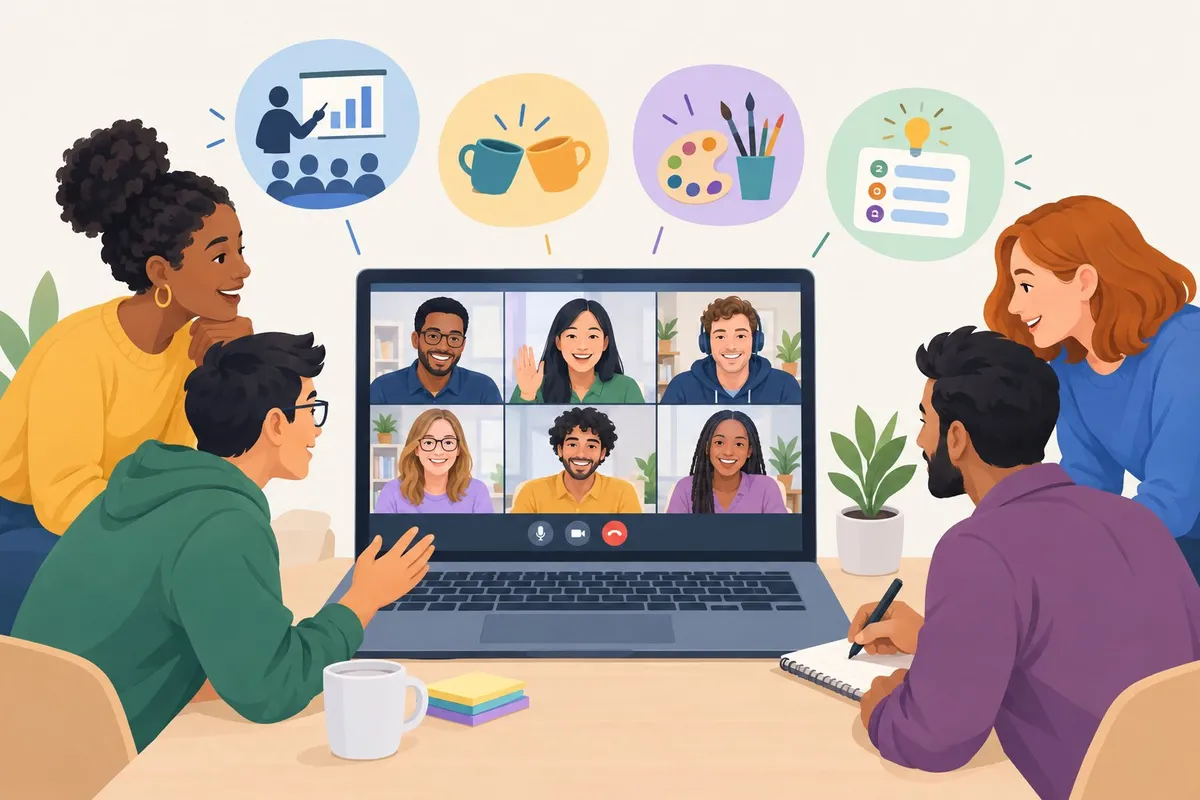
A strong event program does not come from one person planning every detail. It grows when organizers find real gaps, test ideas with small groups, and hand off pieces of the work to members who show interest and skill.
Find Gaps in Existing Communities Before Choosing an Event
Before picking an event type, organizers should look at what members already ask for and what current events fail to cover.
Signals to look for:
- Questions that come up again in posts or comment threads
- Requests for a topic that never gets scheduled
- Past events with low turnout tied to one clear reason, like bad timing
- Spin-off group chats or side meetups forming outside official channels
| Signal | What It Means | Action |
|---|---|---|
| Same question asked monthly | Unmet need for a recurring event | Add a recurring session on that topic |
| High interest, no event exists | Gap in current event lineup | Pilot a one-time event to test demand |
| Low attendance, fixed cause | Wrong format or time, not wrong topic | Adjust schedule or format, keep topic |
This research step shapes which community event ideas actually get built, instead of guessing at what might work.
Name and Position Events for the Right Members
An event name should tell members exactly who it's for and what they'll get.
Weak vs. strong naming:
| Weak | Strong | Why It Works |
|---|---|---|
| "Monthly Meetup" | "New Member Office Hours" | States audience and purpose |
| "Community Call" | "Product Roadmap Q&A with the Team" | Names topic and format |
| "Fun Event" | "Outdoor Movie Night: Member Picks" | Sets expectation and tone |
A clear, specific name reduces confusion and helps the right members self-select into the event, which supports better member engagement from the first click.
Use Researched Topics to Start Substantive Discussions
Events built on light research produce light conversation. Events built on solid research give members something worth debating.
Steps to build a research-backed session:
- Pull recurring questions or complaints from community threads
- Interview two or three active members about what they want covered
- Draft a discussion guide with specific questions, not general prompts
- Share the guide with attendees before the event
- Result: a session with focused talk instead of open-ended small talk
This approach works for panels, AMAs, and smaller group discussions alike, and it gives community groups a reason to return for future sessions.
Give Members Roles as Hosts, Mentors, and Organizers
Member-led events start small, with staff still watching the structure.
Common roles to assign:
- Host: opens the event, keeps time, introduces speakers
- Mentor: leads a small breakout or skill session
- Organizer: helps plan logistics for a recurring event
- Spotlight guest: featured in a member spotlight segment to share a project or story
Observation → Decision → Action:
| Observation | Decision | Action |
|---|---|---|
| A member answers others well in threads | They have mentor potential | Invite them to lead a workshop |
| A member proposes event ideas unprompted | They want ownership | Offer them an organizer role |
This is the shift toward member-led growth: members take on visible responsibility while staff still moderate and support.
Adapt Events for Hybrid, Youth, and Local Participation
Different member groups need different formats, not one event stretched to fit everyone.
| Audience | Format That Works | Note |
|---|---|---|
| Hybrid community events | In-person plus live stream option | Needs a reliable virtual event platform |
| Community event ideas for youth | Shorter sessions, game-based formats | Needs clear supervision and simple sign-up |
| Local-only members | Block party or outdoor movie night | Works best with a fixed local venue |
Hybrid formats widen access but add technical load, so organizers should test the stream setup before the event, not during it.
Manage Registration, Access, and Follow-Up
Registration should collect only what's needed to plan the event and follow up afterward.
Steps for a clean registration flow:
- Build a short form asking for name, role interest, and one open question
- Cap sign-ups if the format needs small groups
- Send a confirmation with access details and what to expect
- Send a reminder 24 hours before the event
- Result: attendees arrive prepared and staff have accurate numbers
Good event management also means sending a short follow-up message with resources, a recording link, or next steps, which keeps the conversation going after the event ends.
Measure Participation and Refine the Program
Each event should produce a few clear numbers that guide the next one.
Metrics worth tracking:
- Registration-to-attendance rate
- Questions or comments per session
- Repeat attendance across multiple events
- Member-led sessions versus staff-led sessions over time
Most virtual event platforms include event analytics that show these numbers automatically, so organizers don't need separate tracking tools.
Observation → Decision → Action:
| Observation | Decision | Action |
|---|---|---|
| Low attendance despite high registration | Timing or reminders are weak | Test a new time slot or add a second reminder |
| Same members lead sessions repeatedly | Program is ready to expand roles | Recruit and train new member hosts |
Reviewing these numbers after each event keeps the program grounded in what members actually do, not just what organizers hope will happen.
Frequently asked questions
What are some creative virtual events for an online community?
Trivia nights, themed watch parties, and collaborative storytelling sessions all work well because they give members a shared focus. Virtual scavenger hunts also perform well, since they push people to interact in smaller groups instead of just watching a screen.
Polls and "this or that" prompts are a low-effort way to spark quick replies between bigger events, as described in this breakdown of community engagement activities. Skill-swap sessions, where two members teach each other something in a short time slot, also build real connections rather than one-way presentations.
A simple option is a themed trivia night with rotating hosts. Each host picks the category, which keeps the format fresh without extra planning work from organizers.
What free activities can bring an online community together?
Most no-cost activities rely on conversation and participation instead of paid tools or prizes. A few reliable options:
- Weekly discussion threads built around one question, such as "what's one thing you learned this week?"
- Photo or screenshot challenges where members post around a theme and comment on each other's entries
- Open mic style video calls where members take turns sharing a short update or story
- Book or article clubs that meet online to discuss one piece of content at a time
- Peer shoutout threads where members publicly thank or recognize another member
These formats work because they don't depend on a budget. They depend on members showing up and contributing, which is the real driver of a strong community.
Which virtual community events work well for college students?
Students respond best to events with a clear time limit and a visible result. Study groups, virtual trivia nights, and short peer-tutoring sessions all fit into a student's schedule without feeling like extra homework.
| Event type | Why it works for students | Typical length |
|---|---|---|
| Virtual study hall | Gives structure without formal teaching | 1-2 hours |
| Peer tutoring swap | Students trade skills instead of paying for help | 30-60 minutes |
| Trivia night | Low commitment, high social payoff | 45-60 minutes |
| Resume or portfolio review session | Direct, practical value tied to school goals | 30 minutes |
Service-learning projects tied to coursework also work well, since students can point to a finished outcome, a pattern confirmed in this review of community engagement activities for students.
What online cultural events can students organize?
Cultural events give students a reason to share traditions, food, music, or language with people outside their usual circle. Common formats include virtual cultural showcases, language exchange meetups, and cooking demonstrations tied to a specific region or holiday.
A film or music night built around one country or culture also works well, especially when students take turns picking the next theme. This keeps the planning spread out instead of falling on one organizer every time.
What virtual events help employees connect outside of work?
Workplace events need to stay short and clearly separate from actual job tasks. A few formats that hold up well:
- Schedule a 30-minute virtual coffee chat with random pairings each month.
- Run a casual trivia session unrelated to work topics.
- Host a show-and-tell call where employees share a hobby or personal project.
- Set up a recurring "weekly wins" thread where people post one personal or work-related win.
- End with a recognition moment, where a manager or peer calls out a specific contribution.
Leadership visibility matters here. Events where a manager takes part openly tend to hold attention better than ones framed as optional extra work, a pattern noted in this guide to employee and internal community engagement.
What fun online group activities are suitable for adults?
Adults respond to activities that respect their time and offer something useful in return. Peer problem-solving threads, trivia nights, and themed game sessions all work without requiring a big time commitment.
Ask-Me-Anything sessions with someone experienced in a specific topic also perform well for adult groups, since the format delivers practical value in a fixed amount of time. Recurring events on a predictable schedule, such as a standing weekly thread or monthly call, tend to outperform one-off events because members know what to expect and when to show up.