
Public vs Private Subreddit: Finding Community Gaps

Start here: How to Create a Subreddit for Your Business: Find the Gap
TL;DR
- Reddit sorts every community into a type, and the two most common are public and private, each with different rules for who can view, post, and join.
- A public subreddit lets anyone view, comment, and post, while a private subreddit limits viewing and posting to approved members only.
- Moderators choose the community type, and they can request a change later if the community's needs shift.
- Checking a subreddit's type before posting helps a reader avoid wasted effort on a community they cannot fully access.
- The right type depends on whether a community wants open growth or tighter control over who takes part.
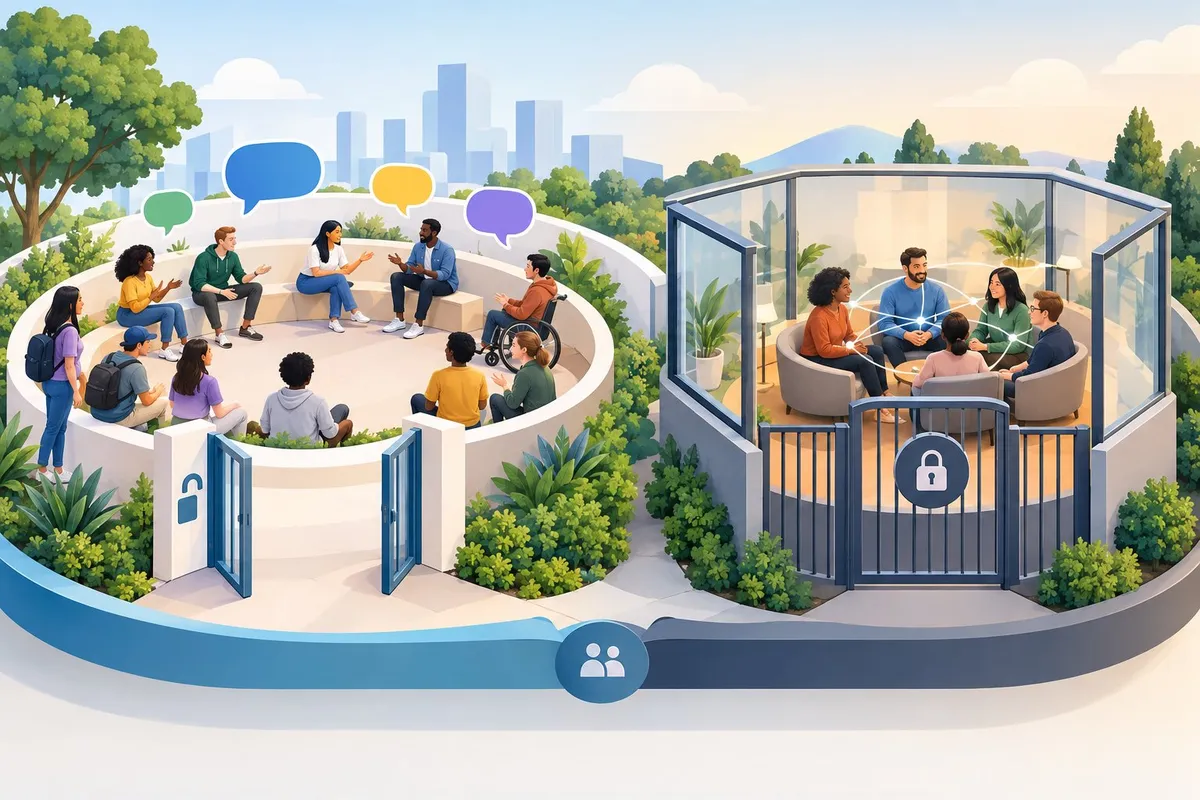
Reddit communities, called subreddits, do not all work the same way. Some welcome any visitor to read and post right away. Others keep their doors shut unless a moderator lets someone in.
This difference shapes who can find a community, who can speak in it, and how much control the people running it keep over daily activity. A buyer researching a product, a hobbyist looking for advice, or a business owner watching industry chatter will all run into both types sooner or later.
Knowing the difference between public, restricted, private, and premium-only communities helps a reader understand why some subreddits show up in search results and others stay hidden, and why some let anyone jump into a conversation while others ask for approval first.
How Visibility and Participation Differ
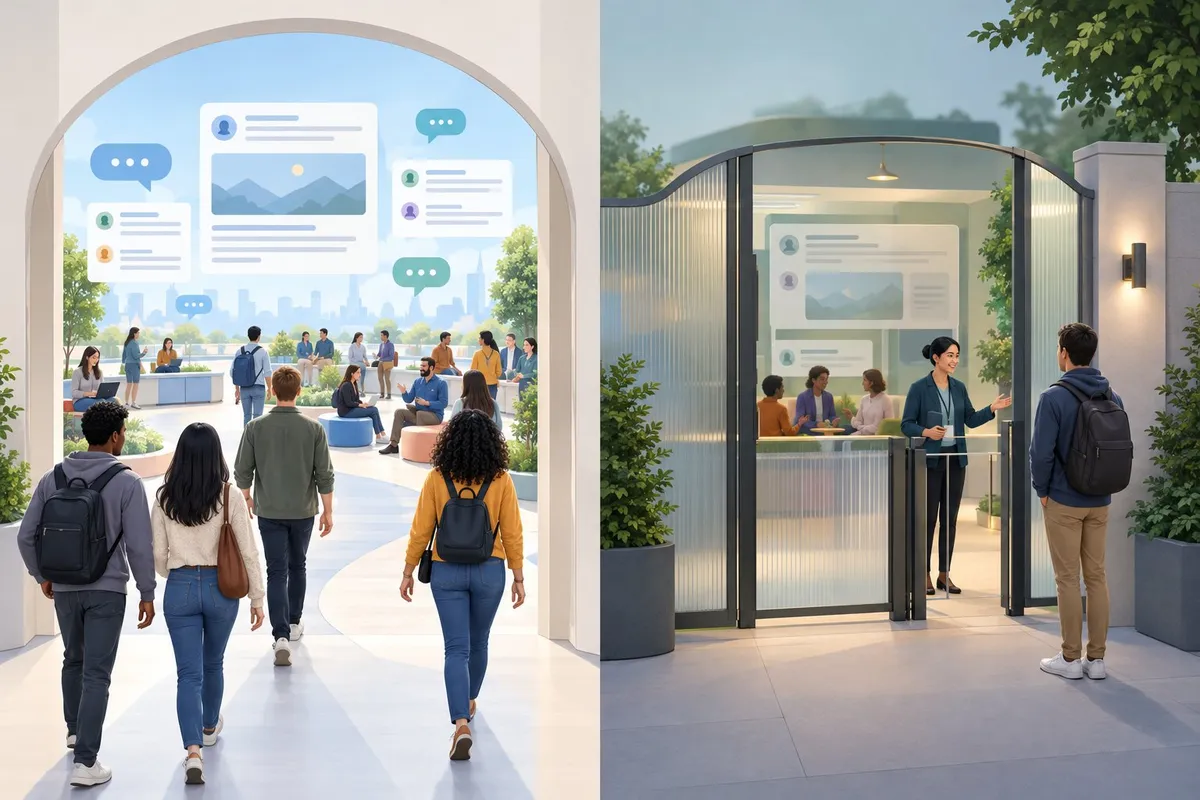
Public, private, and restricted subreddits each control who can read posts and who can take part in discussions. These settings affect how a community grows and how easily new members can find and join it.
Who Can Read Posts in Public and Private Communities
Public subreddits allow anyone with a Reddit account to view posts and comments, even without joining.
Private subreddits only let approved members see content at all. The rest of Reddit sees nothing, not even the community's name in search results in some cases.
| Community Type | Who Can Read Posts | Who Can Join |
|---|---|---|
| Public | Anyone, including logged-out visitors | Anyone |
| Private | Approved members only | By invitation or moderator approval |
| Restricted | Anyone, including logged-out visitors | Anyone (viewing only) |
A buyer-advice subreddit usually stays public so new shoppers can search old threads for recommendations. A private subreddit fits a small group, like a local trade association that wants to keep discussions off public search results.
Who Can Post, Comment, and Become an Approved User
Posting and commenting rights depend on the community type, not just on having a Reddit account.
In public communities, any member can usually post and comment without extra approval. Private communities require moderators to add approved users before anyone can post, comment, or sometimes even view content.
Signal to watch for: if a community repeatedly turns the same regulars into approved users, that is a sign the moderators trust specific members to keep discussions useful. This often happens naturally as members answer questions well and build standing.
Action for community builders: track who answers newcomer questions accurately and consistently. These members are often ready for approved-user status or a light moderation role, which supports a shift toward member-led growth without losing quality control.
Where Restricted Communities Fit
Restricted subreddits sit between public and private.
Anyone can read and vote on posts, but only approved members can post and comment, depending on how moderators set permissions. This model works well for communities that want open visibility but tighter control over who contributes.
Common use cases:
- A professional trade subreddit that wants public visibility for credibility but limits posting to verified members
- A hobby subreddit recovering from spam that temporarily restricts posting while keeping discussions visible
- A walkthrough or project-log community that wants wide readership but controlled contributions
Moderators decide who gets posting rights, which keeps the discussion quality high while still letting outsiders read and learn from existing threads.
How Search Visibility, Moderation, and Reddit Rules Affect Each Type
Search visibility and moderation load change significantly across the three community types.
| Factor | Public | Restricted | Private |
|---|---|---|---|
| Appears in Google search | Yes | Yes | No |
| Appears in Reddit search | Yes | Yes | Rarely |
| Moderation workload | Higher (open posting) | Medium (controlled posting) | Lower (controlled membership) |
| Spam risk | Higher | Lower | Lowest |
Documented: Reddit's own help pages confirm these settings control visibility and posting access at the community level.
Observed: practitioners managing communities often report that subreddits can appear private to some users while still functioning normally for others, which can confuse members checking access.
Reddit's platform-wide rules still apply no matter which visibility setting a community uses. Moderators enforce their own rules on top of that, and those local rules shape whether a community stays welcoming to passionate members or turns into a space that outsiders avoid. A community that documents its rules clearly, and applies them consistently, earns more trust from members who already answer questions well. That trust is what eventually lets a community shift toward member-led growth, since members only step up when they believe the rules will protect their effort.
Choosing a Community Model That Serves Its Members
A community model should match what members actually need: easy access for growing a shared interest, or tighter controls for protecting a focused group. The right choice depends on who the members are, what problems they are solving, and how moderators plan to keep discussion useful over time.
How to Request Access to a Private Community
Requesting access to a private subreddit follows a short, predictable process.
- Find the subreddit's About page. Look for a note explaining why the community is private.
- Check for an application link or form. Many private communities post one in the sidebar or wiki.
- Send a request through Reddit's built-in tool. This appears as a "Request to join" button on the subreddit page.
- Explain the request briefly. State why the person wants to join and how they found the group.
- Wait for moderator review. Approved users gain posting and commenting rights once accepted.
This process mirrors what Reddit documents for restricted communities, where moderators also control who can contribute, not just who can view.
Why Moderators Change Community Access
Moderators usually change a subreddit's access level for one of a few clear reasons.
| Observation | Decision | Action |
|---|---|---|
| Spam or bot accounts flood new posts | Limit who can post | Switch to restricted, require approval |
| Coordinated harassment targets members | Protect the group | Set subreddit to private temporarily |
| Community outgrows its original purpose | Reopen access | Return to public once issues settle |
| Members request more oversight | Build trust slowly | Approve users individually before opening fully |
Reddit's own rules now limit how long a community can stay dark during a protest, a change confirmed in reporting on subreddit protest rules. This shows that access changes are meant to serve member safety and order, not to block discussion indefinitely.
Finding Gaps That Existing Communities Leave Open
Every Reddit community, public or private, has visible gaps. These gaps show up as patterns a careful reader can spot.
- Repeated questions with no pinned answer or wiki page.
- Long comment threads that end without a clear resolution.
- Outdated resources linked in the sidebar or rules.
- Active members who already answer others well but have no official role.
- Topics drifting off-topic because no related space exists yet.
When these patterns appear, a new or adjusted community can fill the space without competing directly. A trade subreddit with no comparison megathread, for example, has an obvious opening for one. Spotting this gap early helps a new corner serve a real, unmet need instead of duplicating an existing one.
Using Clear Positioning and Researched Content to Support Member-Led Discussion
A clear name and purpose help the right members find a community and know what to expect from it.
Clear positioning means the subreddit name, description, and rules state exactly who the community serves. A buyer-advice subreddit focused on home appliances should say so directly, not hint at a broader scope it does not support.
Once the audience is clear, researched content gives early discussions depth. Well-sourced comparisons, walkthroughs, and data-backed posts give members something solid to build on, rather than opinion alone.
As members begin answering questions accurately and starting their own discussion threads, moderators can step back from constant posting. This shift supports member-led growth, where approved users and regular contributors carry more of the conversation while moderators focus on enforcing Reddit rules and keeping discussion on topic.
Frequently asked questions
What is the difference between a public and a private subreddit?
A public subreddit lets anyone with a Reddit account view, comment, and post. A private subreddit restricts both viewing and posting to members approved by moderators.
| Community Type | Who Can View | Who Can Post |
|---|---|---|
| Public | Any Reddit user | Any Reddit user |
| Restricted | Any Reddit user | Approved members only |
| Private | Approved members only | Approved members only |
There's also a premium-only type, which exists only on old.reddit.com and allows creation and participation by Reddit Premium members, though anyone can moderate it. These four community types are set by the moderators who create or manage the subreddit.
Who can view posts and comments in a private subreddit?
Only members approved by moderators can view posts and comments in a private subreddit. Non-members see a message saying the community is private, with no preview of its content.
Moderators control this list directly. They can add or remove approved members at any time, which means access can change without notice.
This matters for anyone trying to find where passionate customers discuss a topic. A private trade subreddit, for example, might hold detailed discussions that never show up in a general search.
How do you join a private subreddit?
- Search for the subreddit by name on Reddit.
- Open the community page, even though content stays hidden.
- Look for a "Request to Join" button or a link to an application form.
- Submit the request, including any information the moderators ask for.
- Wait for a moderator to approve or deny the request.
- Gain access to view and participate once approved.
Some private subreddits also post an invite link in a related public community. Checking a connected public subreddit's sidebar or pinned posts is a practical first step.
How can you tell whether a subreddit is private?
Observation: The subreddit page shows a message stating the community is private, and the post feed is empty or blocked. Decision: Confirm this isn't a temporary error, since quarantined or restricted subreddits can show similar messages. Action: Check the community type listed in "About Community" on desktop, or try the request-to-join option if one appears.
Reddit sometimes shows a private message for communities that are actually public, often due to account settings, regional restrictions, or a temporary glitch. Logging out and checking again, or trying a different browser, can confirm whether the restriction is real.
Can you change a public subreddit to private?
Yes. Moderators can change a subreddit's type at any time through community settings, including switching from public to private, restricted, or back again.
- Open the subreddit's settings page as a moderator.
- Select the current community type.
- Choose the new type from the available options.
- Confirm the change and review any warnings Reddit shows.
- Complete the update, which applies immediately in most cases.
This process works the same way whether switching to private, restricted, or an 18+ designation. Moderators should expect a drop in new traffic after switching to private, since search engines and logged-out users lose access to the content.
How do you make a subreddit private on mobile?
The setting itself updates the same way on mobile as on desktop, but reaching it takes a few extra taps.
- Open the Reddit app and go to the subreddit.
- Tap the subreddit's icon or name to open community info.
- Tap the three-dot menu or settings gear, depending on app version.
- Select "Community Settings," then find community type.
- Choose "Private" and confirm the change.
Some moderation tools are easier to manage on a desktop browser, so switching between mobile and desktop during setup isn't unusual. Moderators running a private trade or hobby community often use desktop for bulk approval of pending member requests.